The Complete Guide to Dolphin Pool Cleaner Troubleshooting
Dolphin robotic pool cleaners are reliable machines, but like any pool equipment they can occasionally need troubleshooting. If your Dolphin pool cleaner is not working, starts and stops, will not move or is no longer cleaning properly, this guide explains the most common checks for power supply issues, blocked filters, worn brushes and other likely causes.
Before booking a repair, start with a few safe visual checks. Confirm the power supply is receiving power, inspect the cleaner for obvious obstructions, clean the filter basket or bag, and check whether brushes, tracks or rollers are worn. These troubleshooting steps apply to many Maytronics Dolphin robotic pool cleaner models. If the issue continues, Pooltronics can help with technical support, genuine spare parts and professional Dolphin robotic pool cleaner repairs.
Quick Troubleshooting Checklist
- Confirm the power outlet is working.
- Check the power supply indicators.
- Clean the filter basket or panels.
- Inspect brushes, tracks and rollers.
- Look for obstructions around the impeller.
- Record the model and fault before requesting support.
Quick Checks Before Troubleshooting
If your Dolphin has stopped working, starts and stops, or is no longer cleaning properly, begin with these checks:
- Confirm the power point is working by testing another appliance.
- Check whether the power supply light turns on.
- Remove the cleaner from the pool and inspect underneath for leaves, sticks, toys or other obstructions.
- Clean the filter basket, filter panels or filter bag.
- Inspect brushes, rollers and tracks for visible wear.
- Check whether the cleaner is still within warranty before attempting any repair.
Problem 1: The Power Supply Will Not Turn On
If the power supply does not turn on, first confirm that it is connected to a working power point. Plug in another portable appliance to confirm the outlet has power.
If the power point does not work, contact a qualified electrician. If the power point works but the Dolphin power supply still does not respond, the issue may be with the power supply or cable and should be checked by a technician.
Problem 2: The Power Supply Works but the Cleaner Is Not Moving
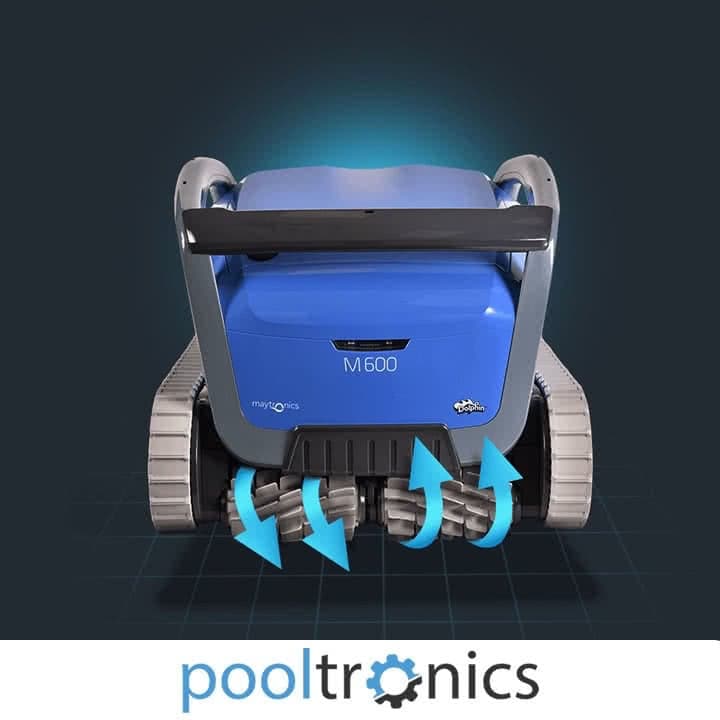
If the power supply turns on but the Dolphin robotic cleaner does not move, remove the cleaner from the pool and perform a careful visual inspection. Look inside and underneath the cleaner for obstructions around the impeller, brushes, tracks and wheels.
If you find debris or an obstruction, remove it and test the cleaner again. If the Dolphin starts and continues to operate normally, the obstruction was likely the cause. If no obstruction is visible or the cleaner still does not move, contact Pooltronics for further diagnosis.
Problem 3: The Dolphin Starts Then Stops
If your Dolphin pool cleaner starts and then stops shortly after beginning a cycle, first check for a partial obstruction, tangled cable, blocked filter or restricted movement around the brushes, tracks or rollers. Also confirm the power supply remains on and connected securely.
If the cleaner repeatedly stops after these checks and there is no obvious cause, avoid opening sealed electrical components. Record the model, serial number and what happens during startup, then contact Pooltronics for diagnosis.
Problem 4: The Cleaner Runs but Does Not Clean Properly
If your Dolphin is moving but the pool is not being cleaned properly, the most common causes are reduced water flow or reduced traction.
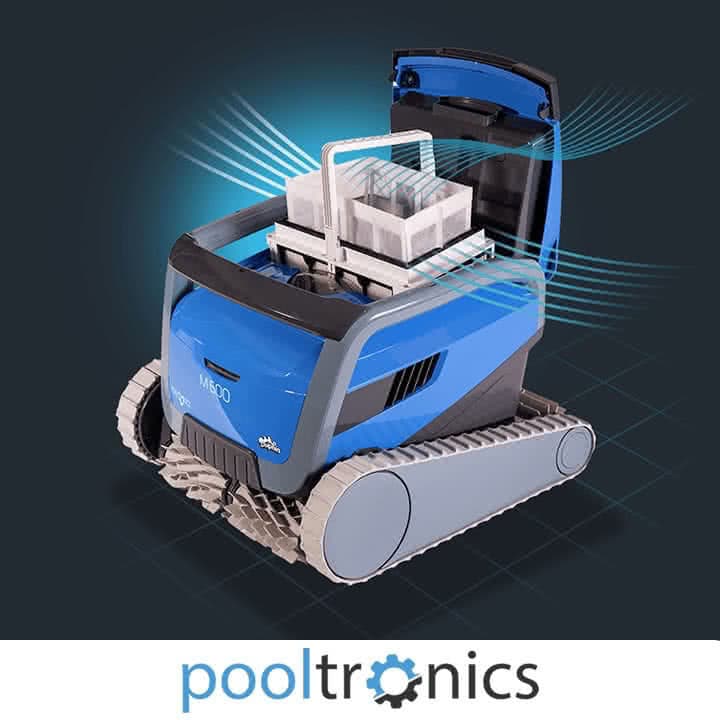
Start by checking the filter basket, filter panels or filter bag. A full or blocked filter can limit water flow and reduce cleaning performance. If the filter is clean and in good condition, inspect the brushes, rollers and tracks. Worn brushes or rollers can reduce grip and prevent the cleaner from climbing or covering the pool effectively.
If filters are clean and brushes are in good condition but cleaning performance is still poor, the cleaner may require professional diagnosis.
What to Record Before Requesting Support
- Dolphin model and serial number
- What happens when the cleaner is switched on
- Whether the power supply lights or indicators appear
- Any unusual noise, repeated stopping or movement problem
- When the filters, brushes, tracks or rollers were last cleaned or replaced
- Clear photos or a short video of the fault where practical
When to Contact Pooltronics
Contact Pooltronics if your Dolphin cleaner has power but will not move, starts and stops repeatedly, shows no obvious obstruction, has worn parts, or continues to underperform after cleaning the filters. We can assist with genuine Dolphin pool cleaner spare parts, technical advice and professional Dolphin pool cleaner repairs in Melbourne.